Overview of Access Restrictions
You can set additional restrictions for your organization to ensure users can only sign in from certain IPs or email domains. This is helpful as an extra layer of protection to ensure only people are granted access. Additionally, you can set restrictions to determine who can create workspaces and add support users to a workspaces in an organization.
To set access restrictions, you need to be an Org Security Admin.
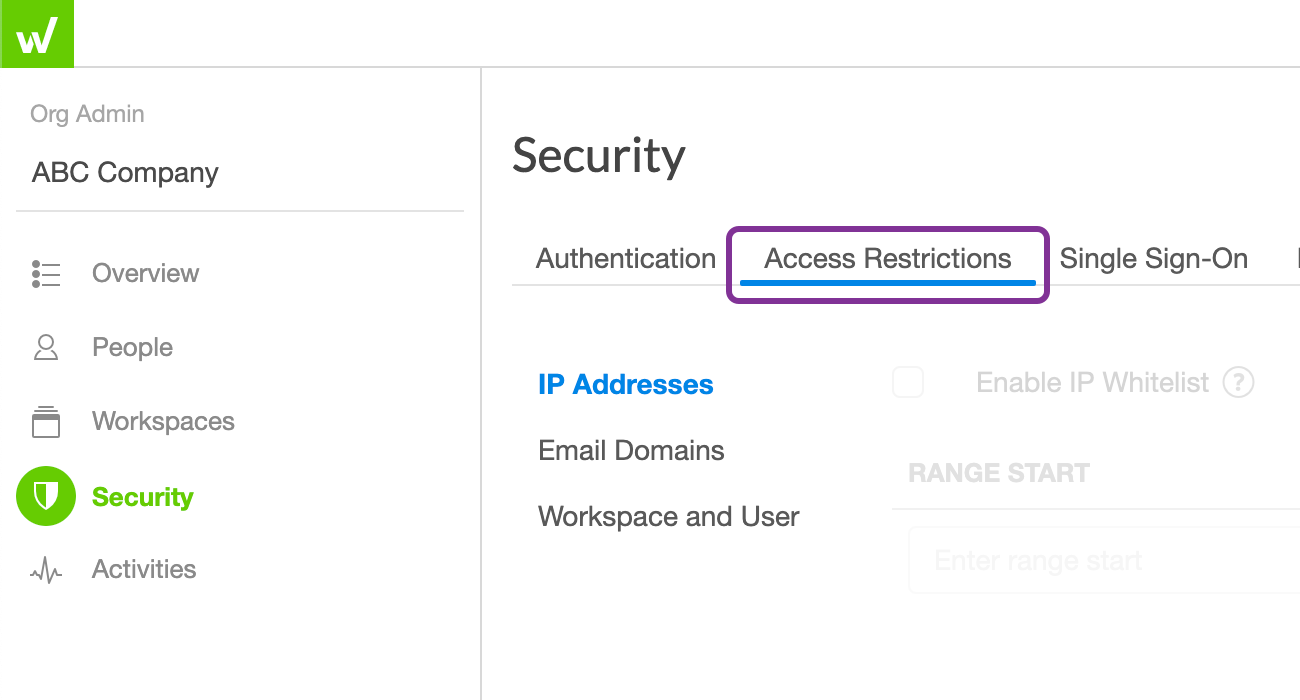
Enable IP Whitelist
Note: IP whitelisting does not support CIDR. You need to enter IPs and ranges individually.
To help protect your organization from unauthorized access, you can whitelist IP addresses to control where users can sign in to Workiva. You can use both IPv4 or IPv6 address versions.
To enable IP whitelisting:
- 1. First, get the IP address of your computer to ensure you aren’t locked out in the process.
- 2. From Organization Admin, go to Security > Access Restrictions > IP Addresses.
- 3. Check the box to Enable IP Whitelist.
- 4. Enter a range including your IP address in the Range Start and Range End.
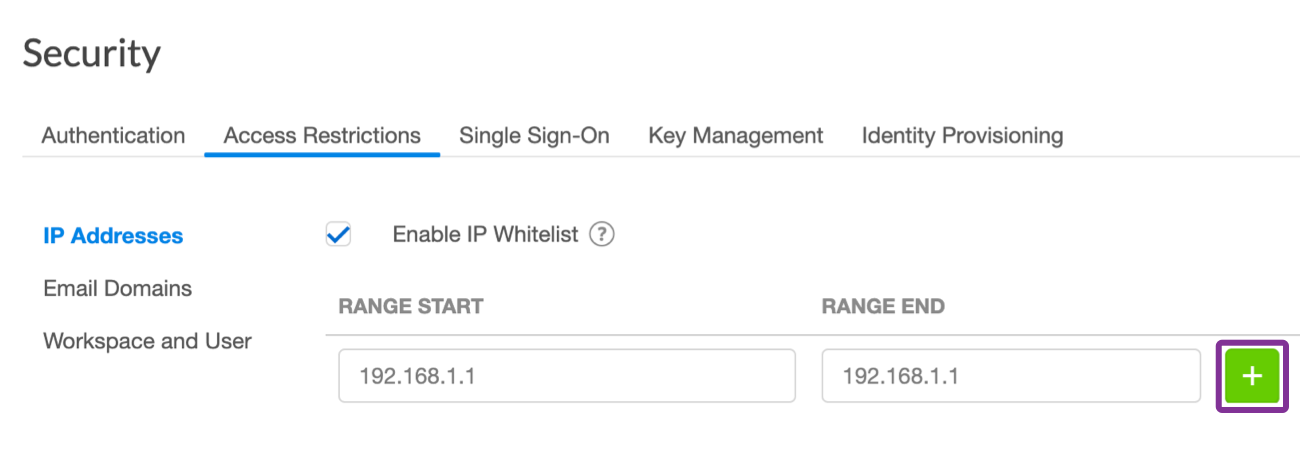
- 5. Click the Add button.